Back
BackDashboard Multi-Source Charts
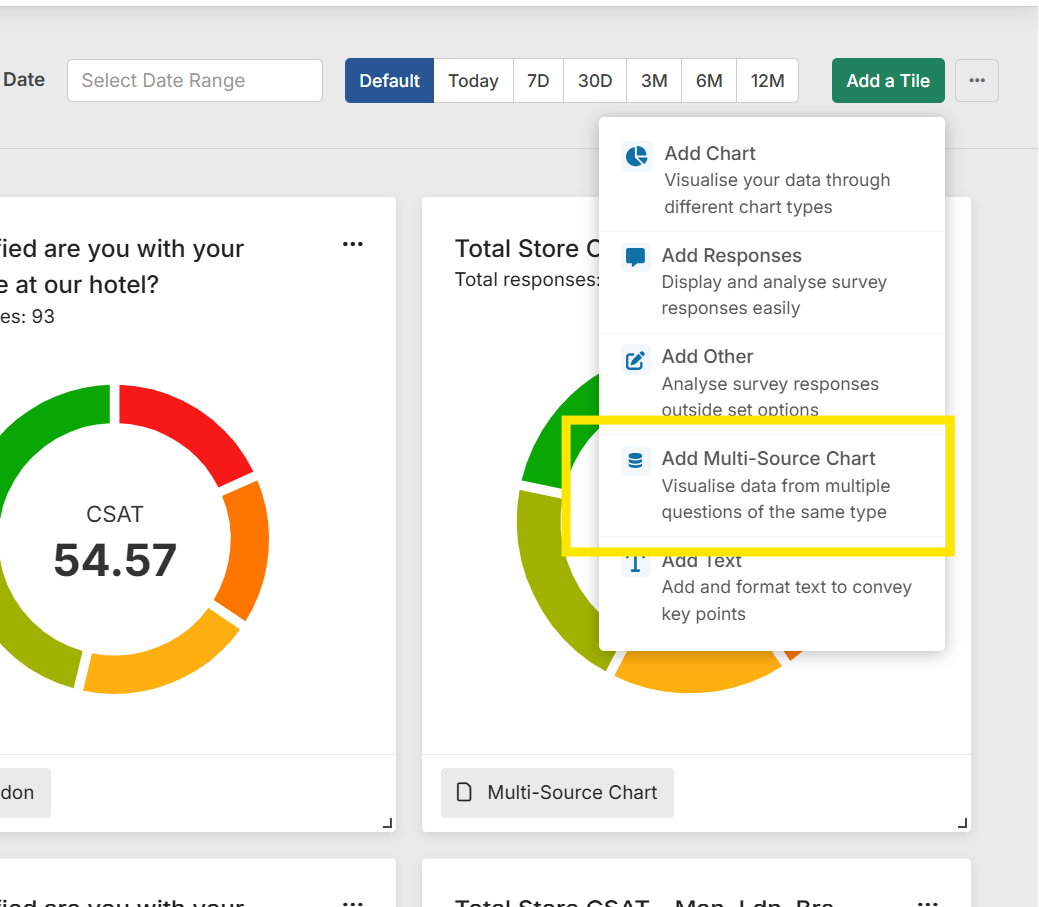
If you need to aggegrate data from multiple questions from different surveys or within the same survey, you can now do this by adding a "Multi-Source Chart" from the Dashboard "Add Tile" menu.
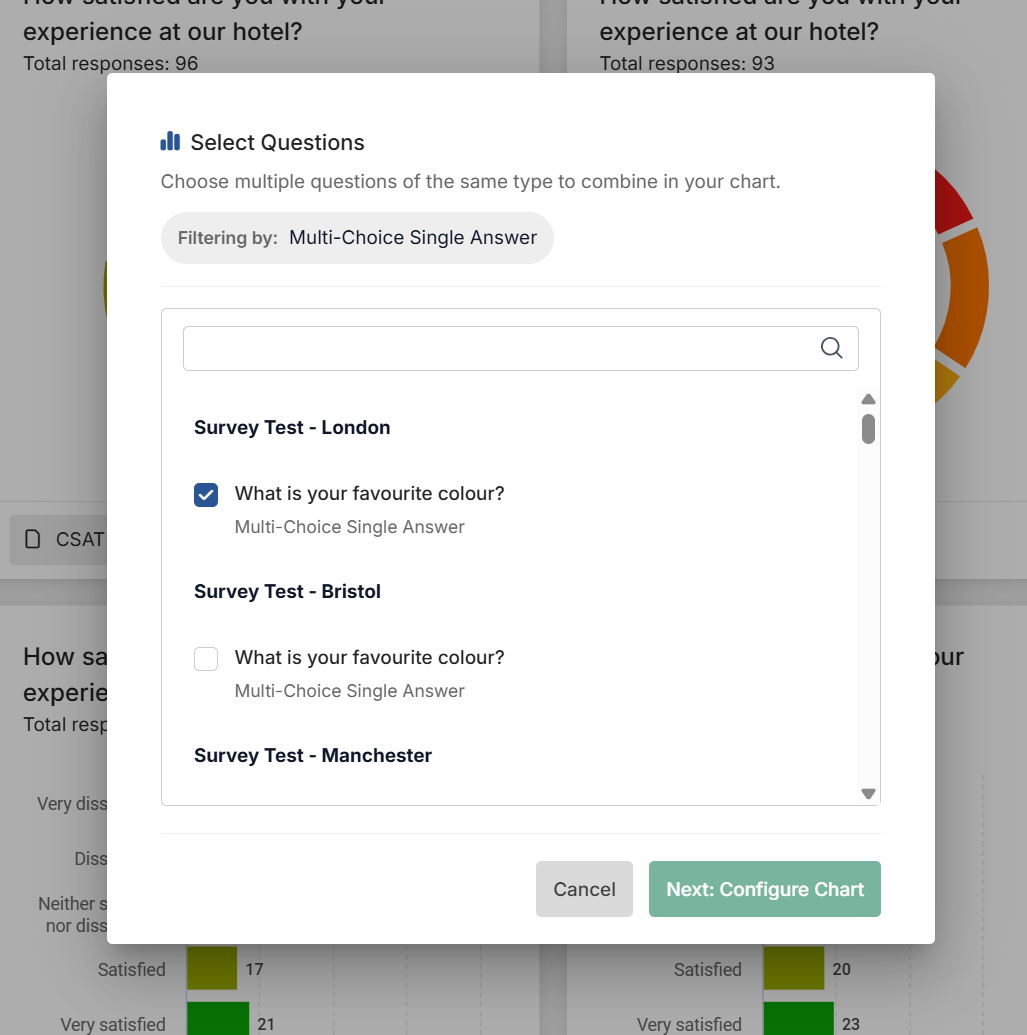
Selecting Questions
The following questions can be aggregrated to show a total number of responses as well as a combined metric if using one of our Experience question types.
- Multiple-Choice Single Answer
- NPS (Net Promoter Score)
- Customer Satisfaction (CSAT)
- Customer Effort (CES)
- eNPS (Employee Net Promoter Score)
- Employee Satisfaction (ESAT)
- Employee Effort (EES)
By choosing your first question, the list will filter down to the the same question types, making it easy to select which questions you want to aggegrate.
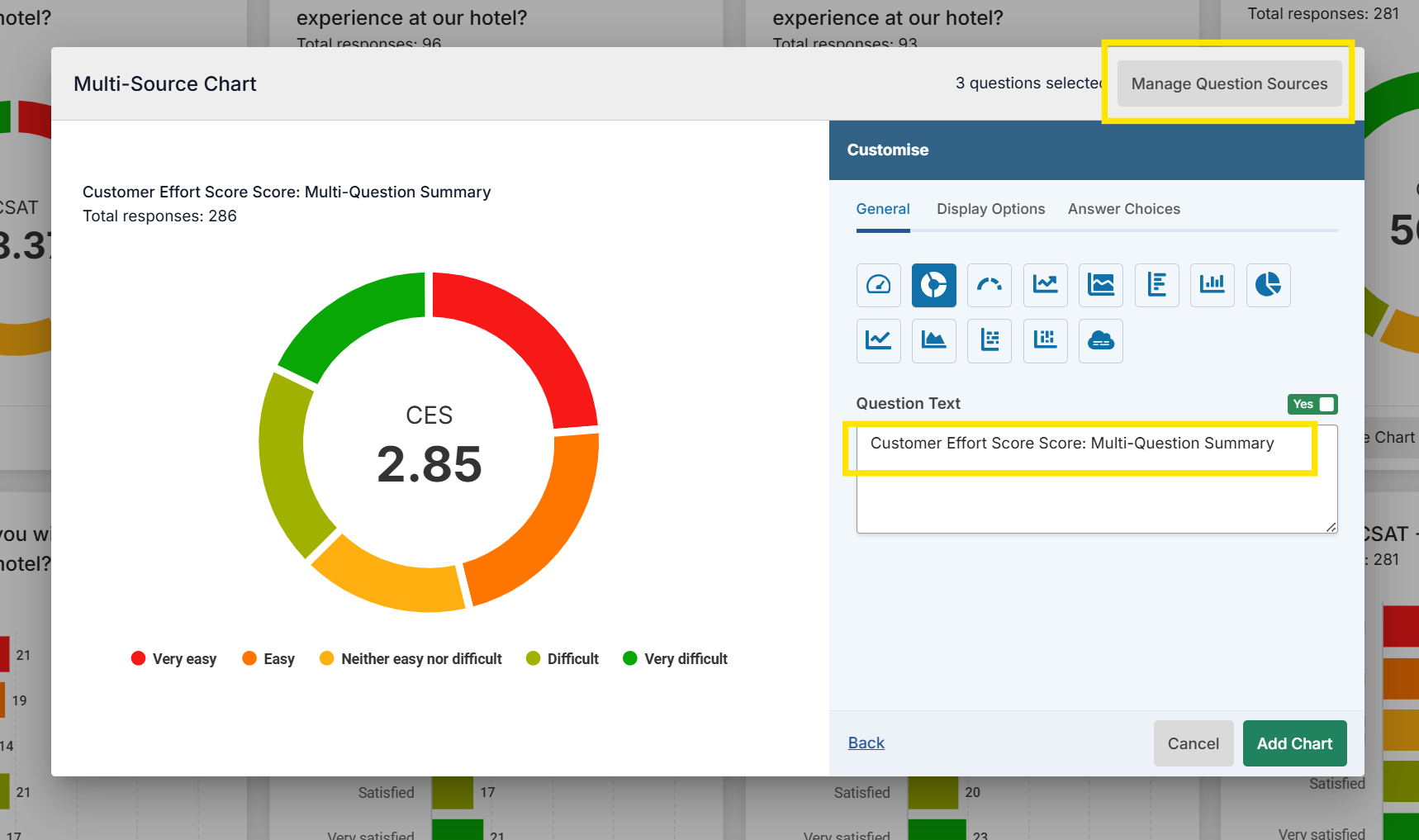
Configuring the Chart
The same chart and display options are available depending on the question type. You can edit the Questions that are aggregated by "Manage Question Source" in the top right, which takes you back to the question list.
The Question Text can be amended to reflect the questions you've aggregated.
Filters are not available on Multi-Source Chart tiles due to variance in survey data.